
Skip to main content


How Can We Help?
1. Log Into Pulse Marketing
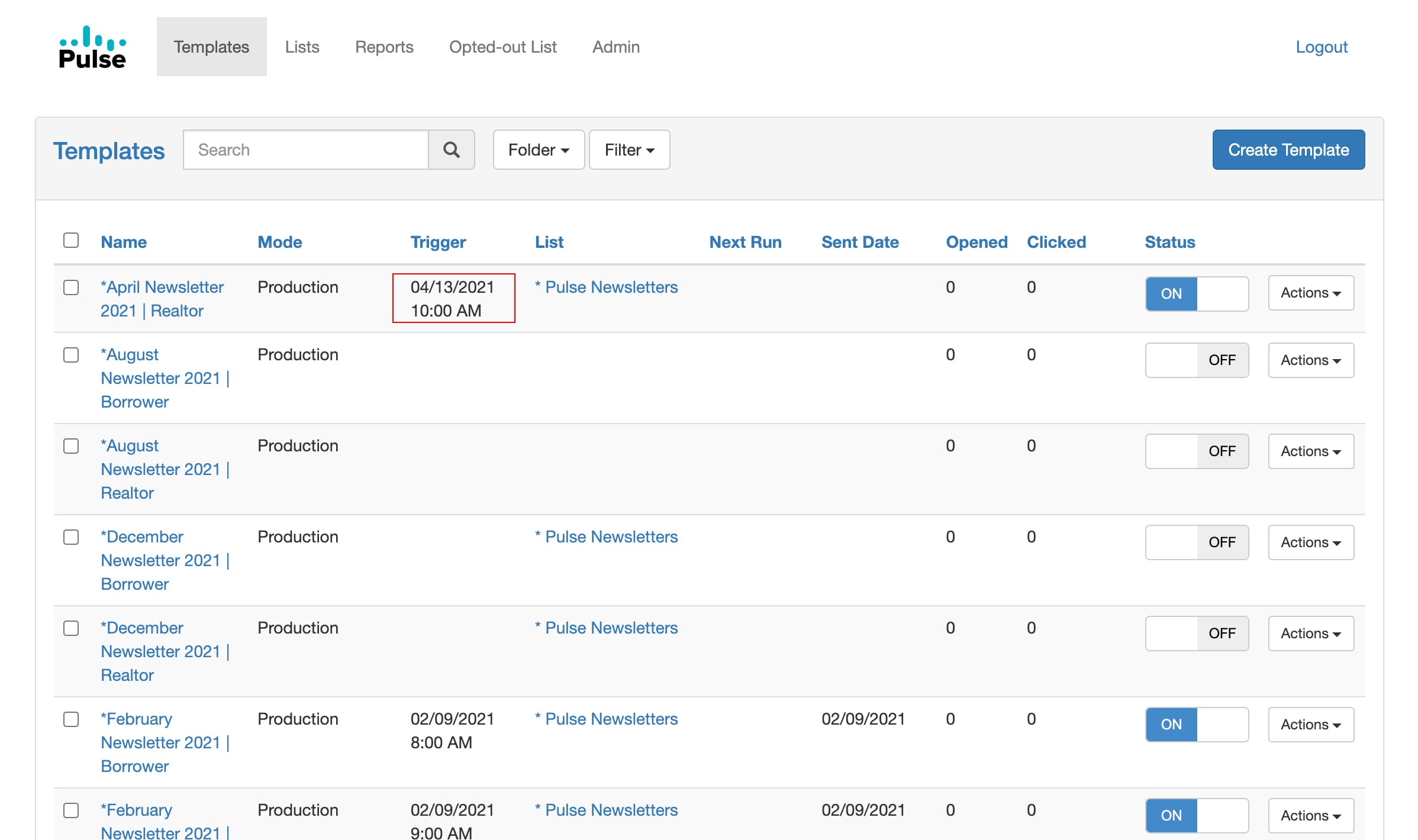
2. In the far left column locate the Marketing Email or Status Alert you would like to begin using
2. In the far left column locate the Marketing Email or Status Alert you would like to begin using
3. In the column on the right side marked “Status” toggle that to “ON”
4. The emails will automatically go out on the “Trigger” date column